 EN
EN id
id sk
sk sr
sr sv
sv it
it pt
pt bn
bn ms
ms be
be nl
nl fr
fr th
th vi
vi ru
ru ja
ja ko
ko de
de hy
hy az
az bs
bs bg
bg my
my cs
cs da
da dv
dv el
el et
et fil
fil fi
fi ga
ga gl
gl gn
gn he
he hi
hi km
km hr
hr hu
hu is
is kn
kn rw
rw lo
lo lv
lv lt
lt lb
lb lg
lg mi
mi mt
mt ne
ne no
no ny
ny or
or om
om per
per pl
pl ro
ro sa
sa so
so es
es sw
sw ta
ta tr
tr uk
uk ur
ur cy
cy xh
xh
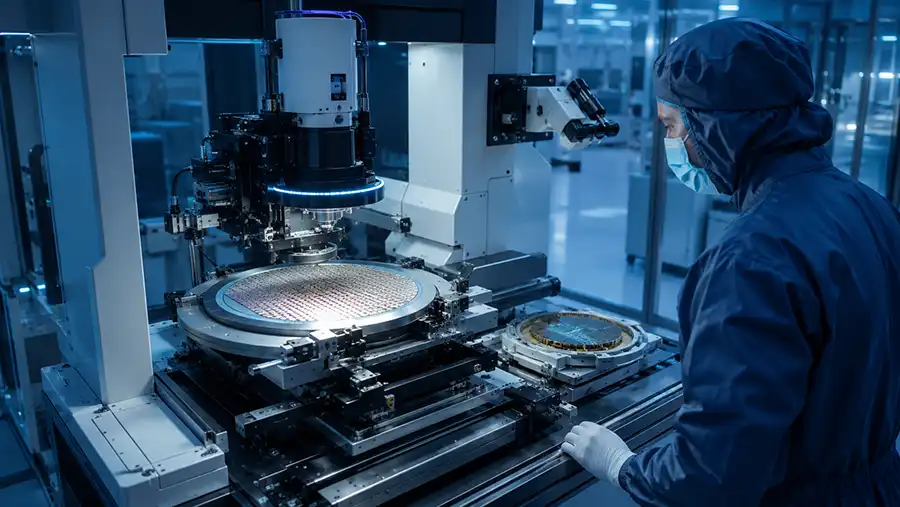
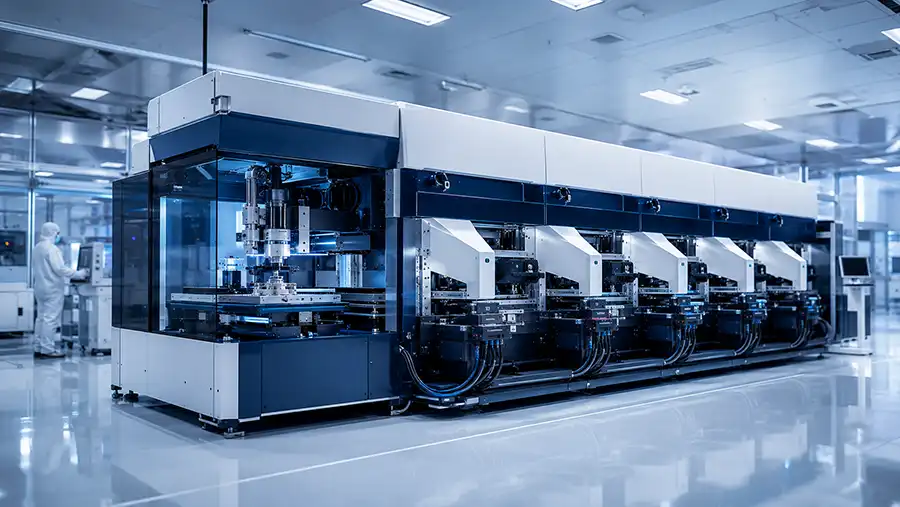
BESI DATACON 2200 evo plus is not simply a different name for the standard DATACON 2200 evo. While both belong to the Multi Module Attach platform family, the evo plus direction is associated with a more advanced camera system, thermal compensation, faster image processing and improved cleanroom capability. These changes can matter when a die attach project requires more stable long-term placement performance, stronger process visibility or a more demanding production environment.
However, an evo plus label alone does not guarantee that every offered machine has the same bond heads, handling modules, tooling package, software options or process capability. A used BESI DATACON 2200 evo plus should still be reviewed as a complete configured system rather than as a model name.
This guide explains the practical differences between DATACON 2200 evo plus and the base evo platform, what should be checked before comparing quotations, and when the evo plus configuration may be the better starting point for die attach, multi-chip and selected flip chip projects.
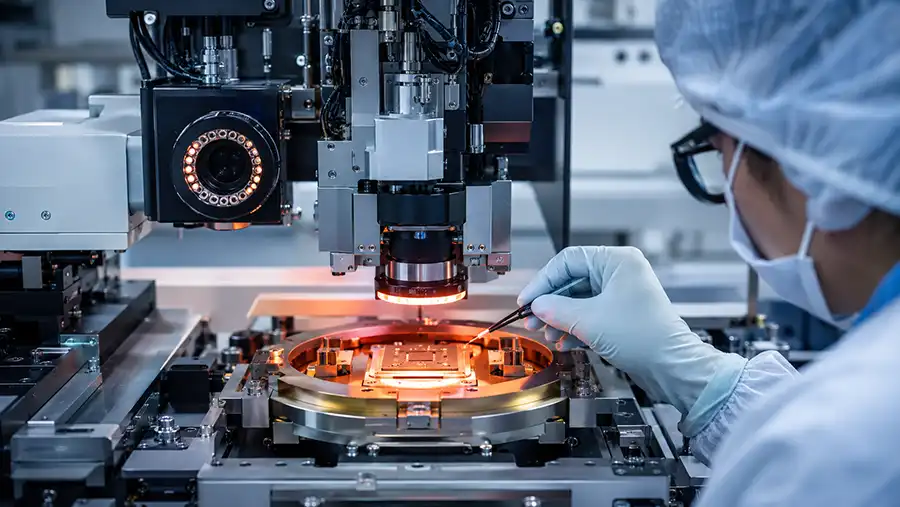
In Brief: What Is the Difference Between DATACON 2200 evo plus and evo?
DATACON 2200 evo plus builds on the Multi Module Attach platform with upgrades focused on camera technology, thermal compensation, image processing and cleanroom capability. In practical equipment evaluation, those improvements can affect placement stability, vision workflow, process repeatability and production readiness.
evo plus should be evaluated when vision performance and long-term placement stability are important.
Thermal behavior and environmental consistency can matter for demanding package and substrate conditions.
Image-processing capability may affect the practical speed of vision-related process steps.
Actual machine suitability still depends on installed heads, tooling, handling modules, software and process options.
A used evo plus machine must be checked for controller status, camera condition, calibration evidence and included accessories.
Why “evo plus” Should Be Treated as a Configuration Direction, Not a Complete Process Guarantee
The DATACON 2200 evo platform is designed around configurable Multi Module Attach. This means the practical capability of a particular machine can change significantly depending on the installed process hardware.
One machine may be configured for multi-chip die attach with multiple working heads, integrated dispensing and wafer handling. Another may have a different tool package, alternative material modules, different substrate handling, specialized fixtures or a process-specific vision setup.
Engineering rule: The evo plus designation helps identify a platform direction, but the installed configuration determines whether the machine is suitable for the intended package route.
When comparing a DATACON 2200 evo plus quotation with a standard evo quotation, do not ask only which machine is newer or more advanced. Ask which machine has the required process chain, tooling, handling flow, vision configuration and support path for the actual production requirement.
DATACON 2200 evo plus vs evo: Practical Comparison Framework
| Comparison Area | DATACON 2200 evo Review Focus | DATACON 2200 evo plus Review Focus |
|---|---|---|
| Platform Role | Flexible Multi Module Attach for die attach, multi-chip and selected flip chip process routes. | Multi Module Attach platform direction with additional focus on higher accuracy stability, upgraded camera capability and process efficiency. |
| Vision Configuration | Confirm installed camera generation, optics, illumination, image quality, software and calibration condition. | Confirm upgraded camera system, image processing status, optical condition, alignment performance and configuration-specific software options. |
| Thermal Behavior | Confirm the actual thermal environment, substrate conditions, tooling and process requirements. | Review thermal compensation configuration, process stability requirements and whether the offered unit has the relevant hardware and software active. |
| Image Processing | Check current vision cycle behavior, controller condition and machine software environment. | Review image-processing unit status, vision response, software version and performance under representative alignment conditions. |
| Cleanroom Consideration | Confirm actual machine cleanliness condition, installed filtration and production environment requirements. | Review cleanroom-related machine configuration, maintenance condition, installed options and the actual requirements of the receiving facility. |
| Process Capability | Depends on heads, dispensers, wafer handling, tooling, material route and application-specific modules. | Still depends on the complete installed configuration; evo plus does not replace the need to verify heads, handling, tools and process hardware. |
What Does the evo plus Upgrade Change in a Real Die Attach Project?
1. Camera and Vision System Evaluation
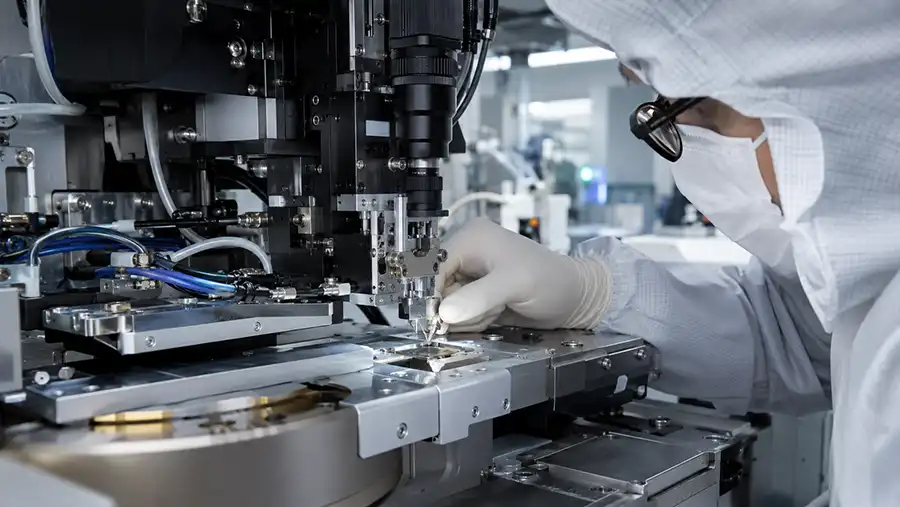
For die attach and multi-chip assembly, the vision system is not only a camera mounted above the work area. It is part of the complete alignment workflow, including optics, illumination, field of view, focus, image acquisition, reference recognition, calibration and software processing.
The evo plus direction should be evaluated carefully when the application depends on stable vision performance over long production periods. This may be relevant where die features, substrate references, package layouts or placement conditions require stronger process consistency.
Before approving an evo plus machine, ask for evidence of the actual installed camera package and confirm whether it supports the die, substrate and reference-mark strategy used in the target process.
What camera generation is installed?
What optics and illumination system are included?
What alignment strategy is used for the target package?
Are calibration tools, records or verification procedures available?
Can the vision system be demonstrated using representative die or substrate features?
2. Thermal Compensation and Long-Term Stability
Thermal conditions can influence real-world machine behavior, particularly when the process uses heated tooling, long production runs, temperature-sensitive materials or substrates with expansion-related considerations.
Thermal compensation should not be treated as a general marketing phrase. Buyers should ask how the offered machine is configured, what process conditions it was previously used for, which thermal tools are installed and whether the machine can be tested under conditions similar to the intended application.
A machine may have an evo plus designation but still require process-specific verification before it can be approved for a thermal-sensitive die attach route.
3. Image Processing and Production Flow
Faster image processing can be relevant when vision-related tasks form a meaningful part of the production cycle. This can include die recognition, substrate reference detection, alignment processing, inspection logic or multiple image acquisitions within a complex sequence.
However, image-processing capability should not be evaluated in isolation. The full cycle also depends on die presentation, handling sequence, tool movement, material preparation, placement route, inspection conditions and changeover requirements.
For a used machine, request a functional test that demonstrates vision acquisition and alignment behavior rather than relying only on a controller specification or machine label.
4. Cleanroom Capability and Machine Condition
Improved cleanroom capability can be relevant when the receiving production environment has stricter cleanliness requirements or when the package route is sensitive to contamination, particles or process consistency.
For used equipment, verify the current condition rather than assuming the original platform design automatically guarantees the required cleanliness level. Review filters, covers, seals, airflow-related hardware, maintenance history and the machine's storage or refurbishment condition.
Cleanroom suitability should be reviewed against the target facility, package process and installation environment.
Five Questions That Decide Whether evo plus Is Worth Prioritizing
1. Does the Process Depend on Vision Stability Over Long Production Runs?
Where the process relies heavily on repeatable image recognition, substrate references, die alignment or visually controlled placement, evo plus may be worth evaluating earlier in the shortlist.
2. Does the Application Have Thermal Sensitivity?
Projects using heated tooling, temperature-sensitive substrates, large dies, long process cycles or materials influenced by thermal conditions should assess whether thermal compensation and related machine configuration are relevant.
3. Is Cycle Time Affected by Image Processing?
If multiple image acquisitions, alignment routines or inspection steps affect the production cycle, faster image-processing capability may be meaningful. The value depends on the full process sequence, not only the vision system.
4. Does the Receiving Facility Have Higher Cleanroom Expectations?
Applications with stricter environmental requirements should review the actual cleanroom-related configuration, maintenance condition and installation suitability of the offered machine.
5. Does the Project Need a More Future-Oriented Configuration?
When a production line is expected to support changing die formats, new package designs, more complex visual alignment or evolving process demands, an evo plus configuration may provide a more appropriate starting point than a basic platform configuration.
When a Standard DATACON 2200 evo May Still Be the Better Choice
A standard DATACON 2200 evo can still be a practical option when the process route is well defined, the required tooling and handling modules are available, and the application does not need the additional configuration direction associated with evo plus.
For some projects, a well-maintained evo machine with the correct bond heads, fixtures, material modules, software and calibration evidence may be more useful than an evo plus machine with incomplete tooling or unclear controller status.
The better machine is not automatically the one with the newer or more advanced designation. It is the machine with the clearest verified path to process qualification.
Seven Configuration Areas to Check on a Used DATACON 2200 evo plus
1. Exact Model and Machine Identity
Request the serial number, nameplate image, full machine designation, controller generation and configuration list. Confirm that the physical machine matches the quotation.
2. Camera and Vision Hardware
Review installed cameras, optics, illumination, image-processing hardware, vision software, calibration tools and evidence of alignment performance.
3. Bond Heads and Tool Interfaces
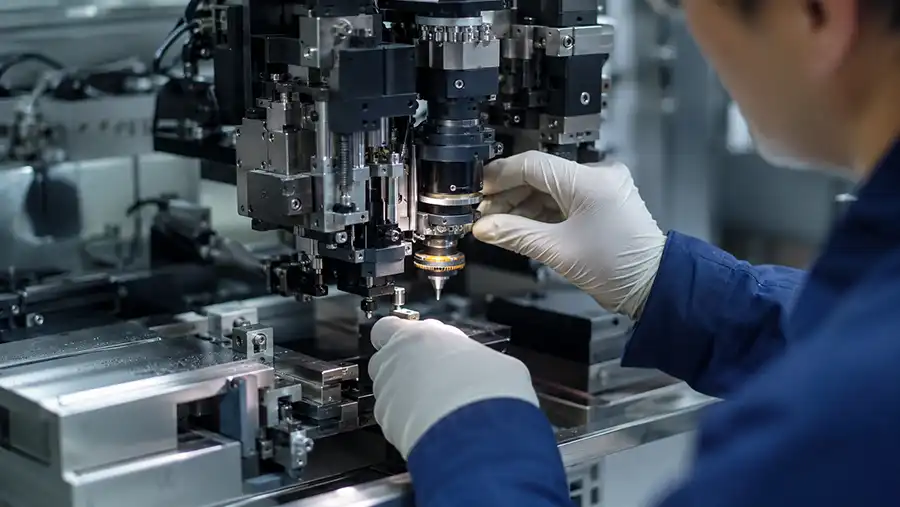
Confirm the number and type of bond heads, tool holders, nozzles, eject tools, pickup tools, force-related setup, heating functions and process-specific accessories.
4. Wafer and Substrate Handling
Confirm wafer size, frame type, tray modules, carrier handling, substrate tooling, strip or leadframe capability, loading sequence and included handling hardware.
5. Process Modules
Check for integrated dispenser, epoxy stamping, flux dipping, material preparation modules, UV curing, heating systems or any application-specific process hardware required by the project.
6. Controller, Software and Backup Status
Review industrial PC condition, controller hardware, software version, enabled options, backup files, recovery media, machine parameters, documentation and alarm history.
7. Refurbishment and Calibration Evidence
Ask what has been inspected, repaired, cleaned, recalibrated or replaced. Confirm what functional testing has been completed and what still needs to be validated before shipment.
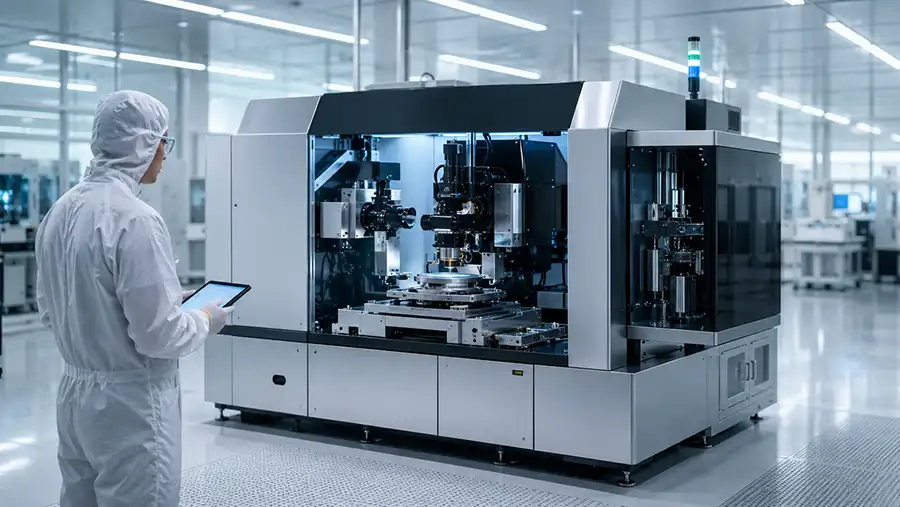
How to Compare Two DATACON 2200 evo plus Quotations
Two quotations may both state “DATACON 2200 evo plus” but still describe materially different machines. Create a comparison table that lists the actual installed configuration rather than relying on summary wording.
| Comparison Area | Offer A | Offer B | Decision Question |
|---|---|---|---|
| Machine Identity | Model, serial number and production generation | Model, serial number and production generation | Are both offers describing verified evo plus machines? |
| Vision Configuration | Camera, optics, illumination and image-processing details | Camera, optics, illumination and image-processing details | Which vision setup better matches the alignment requirement? |
| Bond Heads and Tools | Installed heads, nozzles, eject tools and fixtures | Installed heads, nozzles, eject tools and fixtures | Which offer has the tools needed for the target package? |
| Handling Modules | Wafer, tray, carrier and substrate modules | Wafer, tray, carrier and substrate modules | Which machine supports the required material flow with fewer additions? |
| Software and Recovery | Software version, backups, option status and documentation | Software version, backups, option status and documentation | Which offer has the lower recovery and support risk? |
| FAT Scope | Defined functional test and material test conditions | Defined functional test and material test conditions | Which supplier can demonstrate the more relevant process evidence? |
Common evo plus Buying Mistakes
Mistake 1: Assuming evo plus Means Every Advanced Option Is Installed
The evo plus name does not automatically confirm the presence of all possible heads, handling modules, tools, cameras, software options or process hardware. Always request a configuration list.
Mistake 2: Comparing Only Camera Features
Vision is important, but it is only one part of the process. The machine must also have the required material handling, tooling, bond heads, substrate fixtures and software support.
Mistake 3: Ignoring Tooling Compatibility
Original tooling may not fit a new die size, substrate format, package construction or material route. Tooling should be reviewed against the actual planned application.
Mistake 4: Treating a Power-On Video as a Qualification Test
A machine that powers on may still have unverified cameras, incomplete tooling, missing handling modules, software recovery risk or unknown process condition.
Mistake 5: Leaving FAT Scope Undefined
The supplier and buyer should agree on what will be tested before shipment. A useful FAT should verify machine identity, safety, motion, vision, tooling, handling, software and a relevant process sequence where materials are available.
What a Useful evo plus Factory Acceptance Test Should Prove
A factory acceptance test should verify more than basic motion. It should show that the offered machine can initialize safely, operate the installed heads, acquire vision images, perform alignment functions, move material through included handling modules and support the agreed process sequence.
| FAT Area | What Should Be Verified |
|---|---|
| Machine Identity | Model, serial number, installed heads, modules and included accessories match the quotation. |
| Safety and Initialization | Power-up, emergency stops, interlocks, alarms, door functions and initialization sequence are demonstrated. |
| Motion and Bond Heads | Axis homing, movement response, tool mounting, head operation and basic recovery behavior are checked. |
| Vision System | Camera image quality, illumination, reference recognition, alignment response and available calibration status are demonstrated. |
| Handling Modules | Included wafer, tray, carrier, substrate, strip or fixture modules are tested under an agreed material flow. |
| Software and Handover | Controller access, software status, backups, option files, technical documentation and final configuration are confirmed. |
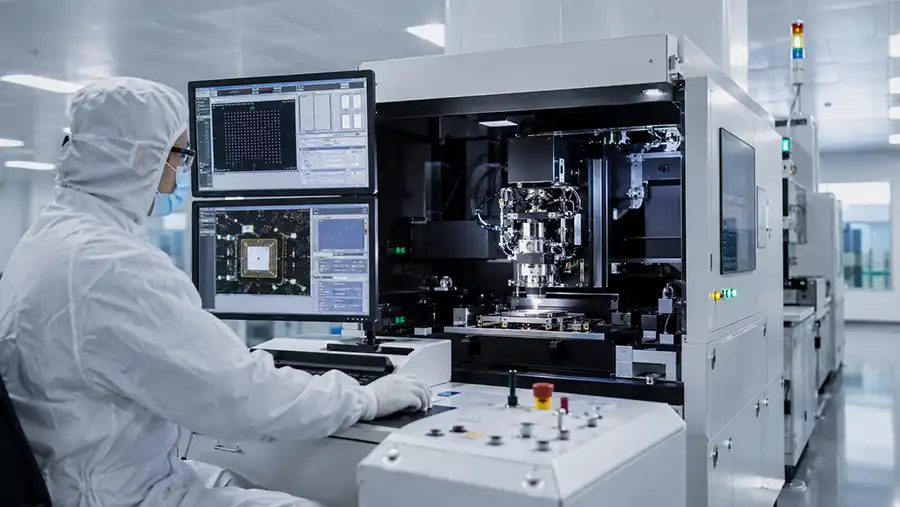
Final Recommendation: Evaluate the Upgrade Through the Actual Process Requirement
DATACON 2200 evo plus can be a strong direction for projects that place more emphasis on camera performance, long-term stability, thermal behavior, image processing and cleanroom considerations. But the practical value of a specific machine depends on its installed configuration and condition.
Before approving an evo plus quotation, verify the camera system, thermal-related configuration, bond heads, material modules, handling hardware, tooling package, controller status, software backups, calibration evidence and FAT scope. This helps ensure the offered machine is not only a suitable platform family, but also a usable production system for the intended die attach project.
Related DATACON 2200 evo Resources
DATACON 2200 evo Refurbishment and Used Equipment Inspection Guide
How to Select a BESI Die Bonding Machine: DATACON vs Esec Guide
Frequently Asked Questions About DATACON 2200 evo plus
What is BESI DATACON 2200 evo plus?
BESI DATACON 2200 evo plus is a Multi Module Attach die bonder platform direction that builds on the DATACON 2200 evo family with added emphasis on camera technology, thermal compensation, image processing and cleanroom capability.
What is the difference between DATACON 2200 evo plus and DATACON 2200 evo?
DATACON 2200 evo plus is associated with upgrades in camera technology, long-term accuracy stability, thermal compensation, image processing and cleanroom capability. The actual difference between two offered machines depends on their installed configuration, tooling, handling modules and software.
Is DATACON 2200 evo plus suitable for multi-chip die attach?
DATACON 2200 evo plus belongs to the Multi Module Attach platform family and can be evaluated for multi-chip die attach. The offered machine must still be checked for bond heads, handling modules, tooling, material route and application-specific process hardware.
Can DATACON 2200 evo plus be used for flip chip applications?
Selected flip chip applications may be evaluated depending on the installed configuration. Buyers should confirm the required flip tools, material preparation modules, vision alignment, handling route, substrate fixtures and process options.
Why is thermal compensation important in die bonding?
Thermal conditions can influence machine behavior, tooling, substrates and process stability. Thermal compensation may be relevant when a die attach route involves heated tooling, temperature-sensitive materials, long production cycles or process conditions that benefit from improved stability.
What should be checked before buying a used DATACON 2200 evo plus?
Confirm machine identity, installed camera and vision package, bond heads, handling modules, tooling inventory, thermal-related process hardware, controller condition, software backups, calibration evidence, refurbishment scope and FAT proposal.
How do I compare two DATACON 2200 evo plus quotations?
Compare the full installed configuration rather than the model name or price alone. Review camera hardware, vision software, thermal-related setup, bond heads, handling modules, tooling, controller, software backups, refurbishment evidence and FAT scope.
What should an evo plus Factory Acceptance Test include?
A useful FAT can include machine identity confirmation, safety checks, axis movement, bond head operation, camera and alignment verification, handling-module tests, tooling review, controller and software backup confirmation, plus a representative process sequence when suitable materials are available.
Need Help Reviewing a DATACON 2200 evo plus Configuration?
Share the available machine photos, serial information, package drawing, die and substrate format, material route, target output, installed tools and handling details. A useful review starts with the actual process requirement and the complete configuration of the offered machine.